Welcome to your Reinforcement Learning assignment!
In this project, you will step beyond simply "solving" the CartPole environment. Your goal is to design a reward function that trains an agent to be robust, smooth, and precise.
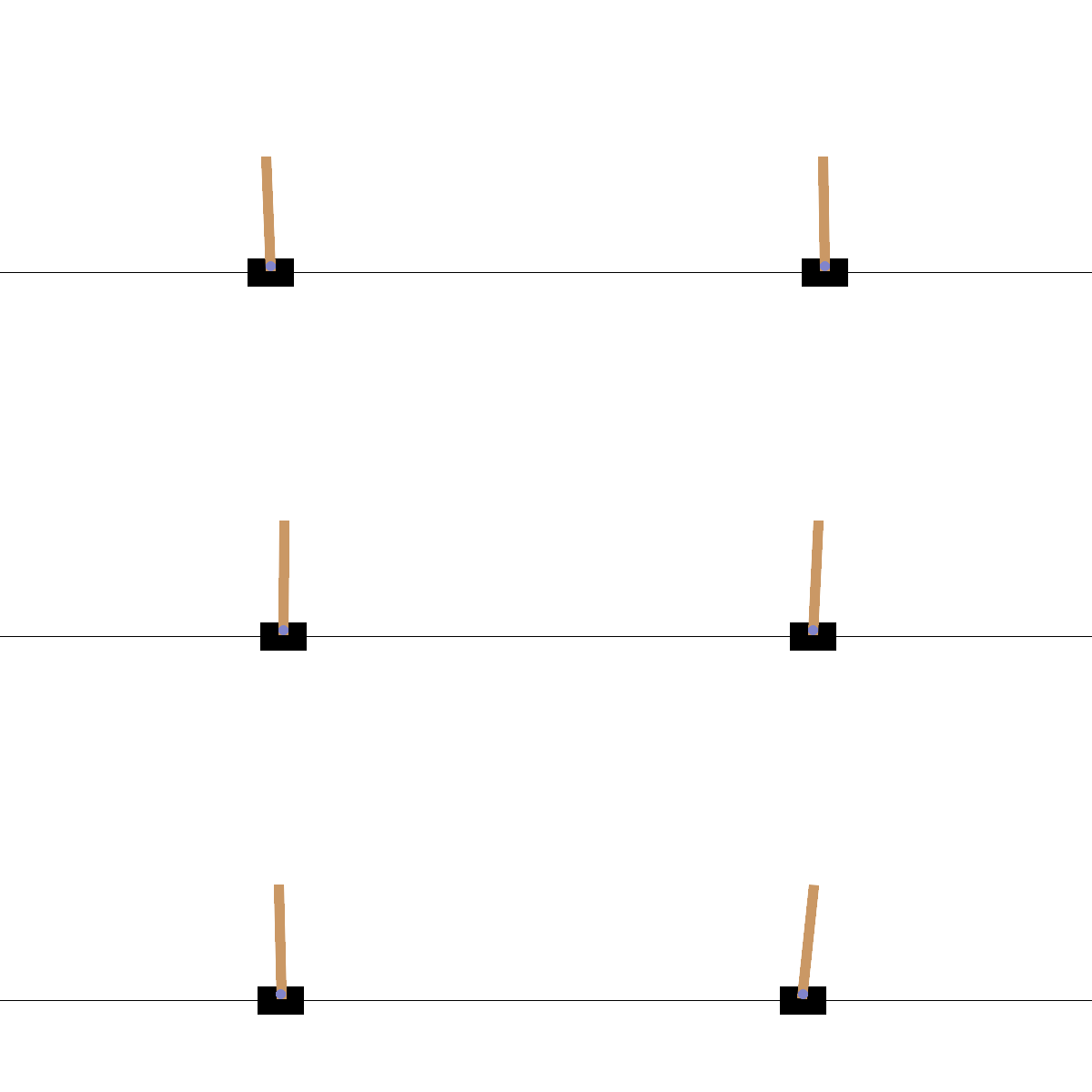
student_assignment_dqn.py: [🛠️ Your Workspace] This is the ONLY file you need to modify. It contains the DQN training loop and the reward function you need to design.evaluate_performance.py: [📊 Score Card] Runs your trained model to calculate a comprehensive score (Survival, Centering, Smoothness).evaluate_challenge.py: [🌪️ The Challenge] Tests your agent in a "windy" environment where random forces push the pole.cartpole_basic.py: [📉 Baseline] A simple rule-based agent (if-else logic) for comparison.requirements_*.txt: Dependency files for Linux and Windows.
First, create a clean Python environment to run the project.
Using Conda:
# 1. Create environment
conda create -n rl_hw python=3.10 -y

# 2. Activate environment
conda activate rl_hw
Option 1: Auto Install (Recommended - auto-detects GPU/CPU)
# Linux/Mac one-liner: auto-detects GPU and installs the appropriate PyTorch version
bash install.sh
Option 2: Manual Install
Option A: GPU environment (requires NVIDIA GPU + CUDA)
# For Linux/Mac:
pip install -r requirements_linux.txt

# For Windows:
pip install -r requirements_win.txt
Option B: CPU environment (no GPU, or CUDA install failed)
If your machine does not have an NVIDIA GPU, or the GPU version fails to install, install the CPU-only version of PyTorch first:
# 1. Install CPU-only PyTorch
pip install torch --index-url https://download.pytorch.org/whl/cpu

# 2. Install remaining dependencies (torch is already installed, pip will skip it)
# For Linux/Mac:
pip install -r requirements_linux.txt
# For Windows:
pip install -r requirements_win.txtNote: The model in this project is very small (3-layer fully connected network). CPU training is perfectly sufficient — no GPU required to complete all tasks.
Verify installation:
python -c "import torch; print(f'PyTorch {torch.__version__}, Device: {\"cuda\" if torch.cuda.is_available() else \"cpu\"}')"Before training anything, let's see how a "dumb" rule-based agent performs. This gives you a baseline score to beat.
Run the simple agent (no rendering):
python cartpole_basic.pyRun with visual rendering (recommended):
python cartpole_dqn_run.py --baselineObservation: The pole wobbles heavily and the agent collapses quickly (~40 steps).
Check its score:
python evaluate_performance.py --baselineExpected Score: Around 20-25 points. It fails Survival (~3/40) and Smoothness (0/30) due to heavy wobble and quick pole collapse. Centering may appear decent (~19/30) simply because the episodes are too short for the cart to drift far.
Now, let's run the DQN training script as-is to make sure everything works.
python student_assignment_dqn.py- What happens: It trains a DQN agent for 2000 episodes using a "Dummy Reward" (currently just basic survival).
- Output: It saves a model file named
student_model.pth. - Plot: It generates
student_training_curve.pngshowing the reward over time.
This is the core of the assignment.
- Open
student_assignment_dqn.pyin your editor. - Locate the function
calculate_custom_reward. - MODIFY IT!
Currently, the reward logic is very basic. You need to design a reward function that encourages:
- Centering: Penalize the agent if
state[0](Cart Position) is far from 0. - Stability: Penalize the agent if
state[3](Pole Angular Velocity) is high.
Example Logic (Pseudocode):
reward = 1.0  # Survival
reward -= abs(cart_position) * 0.5  # Penalize drift
reward -= abs(pole_velocity) * 0.1  # Penalize wobble
After modifying the code, re-run the training:
python student_assignment_dqn.pyHow good is your new model?
1. Quantitative Score (The Grade):
python evaluate_performance.py- Target Score: > 75
- It evaluates 50 episodes and scores you on Survival, Centering, and Smoothness.
2. Visual Inspection (The Eye Test):
Want to see your agent in action? Add the --render flag:
python evaluate_performance.py --render- Watch: Does the cart stay in the middle? Does the pole shake or stay still?
3. The Robustness Challenge (The Final Boss): Can your agent survive being pushed?
python evaluate_challenge.py- Random forces will push the pole. A robust policy should recover quickly.
- Pass Condition: Survive > 300 steps on average.
| Component | Weight | Description |
|---|---|---|
| Survival | 40% | Can it stay alive for 500 steps? |
| Centering | 30% | Does it stay near x=0? (Penalty if |x| > 0.2) |
| Smoothness | 30% | Is the movement stable? (Penalty if |angular_vel| > 0.2) |
| Robustness | Pass/Fail | Must survive > 300 steps in evaluate_challenge.py |
calculate_custom_reward()instudent_assignment_dqn.py— This is the primary task. Design your reward function here.- Training hyperparameters — You may adjust values such as
episodes, learning rate (lr),batch_size,gamma,epsilon_decay, etc. to improve training.
- The
DQNnetwork architecture (classDQN) - The evaluation scripts:
evaluate_performance.pyandevaluate_challenge.py - Any other files outside of
student_assignment_dqn.py
Submit the following two files only:
student_assignment_dqn.py— your modified training scriptstudent_model.pth— the trained model weights produced by your script
This assignment is adapted from the classic CartPole-v1 environment provided by Farama Foundation Gymnasium.
Special thanks to the open-source community for the initial implementations of DQN algorithms.