Responsive subscription page template for PasarGuard.
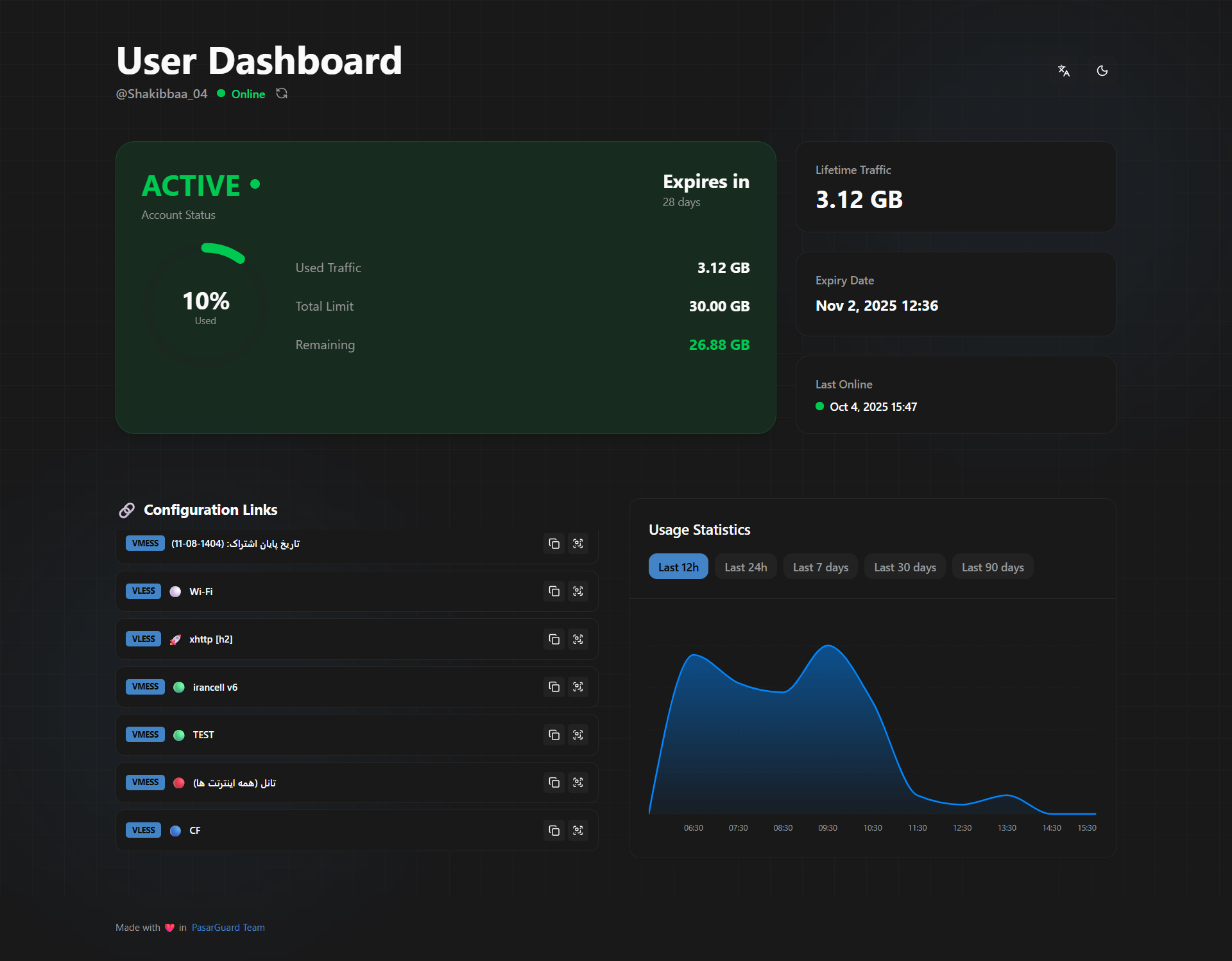
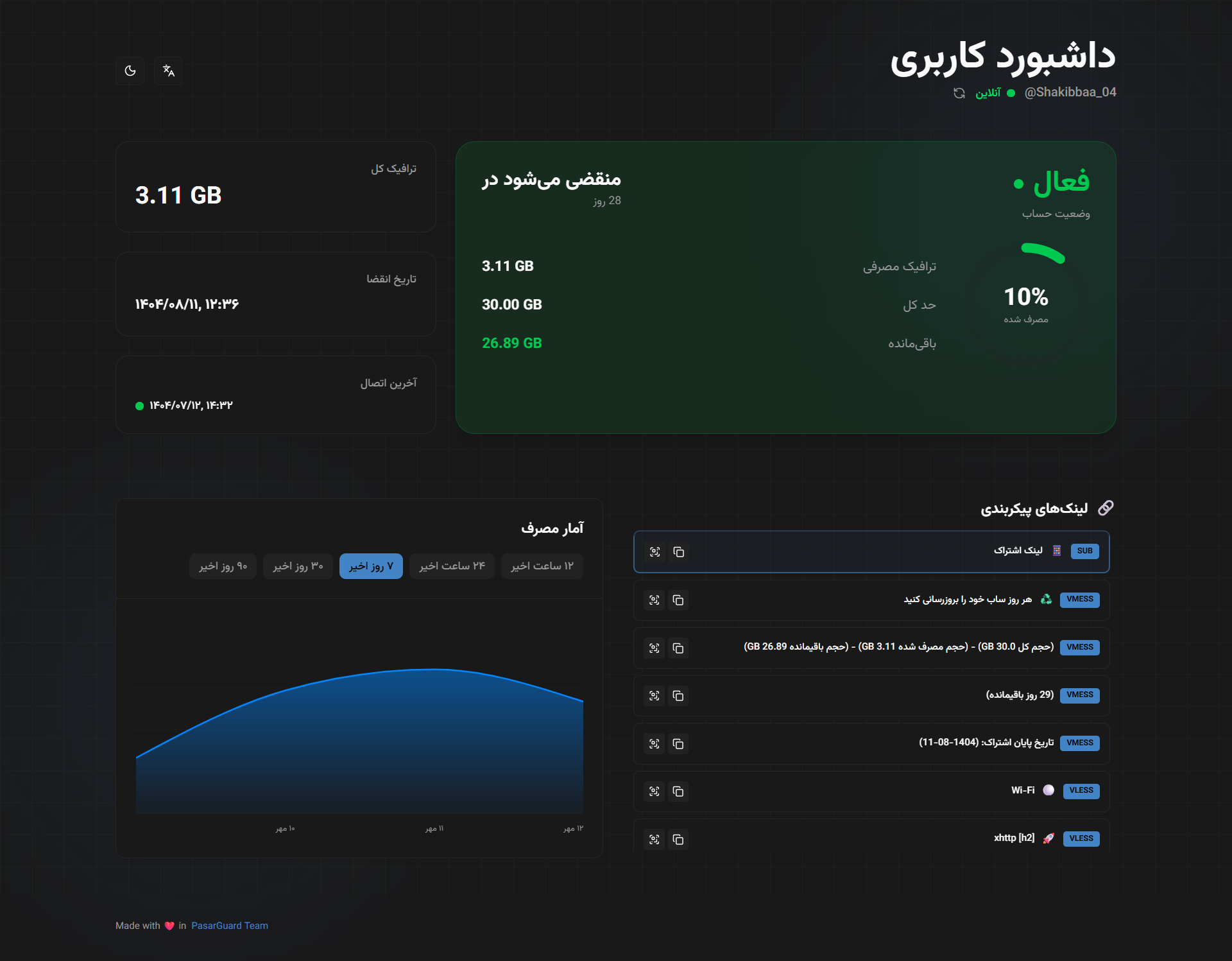
- Languages:
en,fa,zh,ru - User can switch language in UI
- Responsive layout
- Dark mode
- QR code for connection links
- Copy links/configs in one click, with Base64 copy available only in the QR modal
- WireGuard links can be copied as native config or downloaded as
.conf - Appearance customization
| Subscription Template | PasarGuard Panel |
|---|---|
v2 |
v3 |
| Other versions | v2, v1 |
Run installer script (choose your fallback language):
curl -fsSL https://raw.githubusercontent.com/PasarGuard/subscription-template/main/install.sh | sudo bash -s -- --lang faSupported values for --lang: en, fa, zh, ru
Supported values for --version: latest (default) or a release tag like v2.0.0
To install a specific release, add --version <tag>.
- Download template:
sudo mkdir -p /var/lib/pasarguard/templates/subscription
sudo wget -O /var/lib/pasarguard/templates/subscription/index.html \
https://github.com/PasarGuard/subscription-template/releases/latest/download/index.html- Configure PasarGuard in
/opt/pasarguard/.env:
CUSTOM_TEMPLATES_DIRECTORY="/var/lib/pasarguard/templates/"
SUBSCRIPTION_PAGE_TEMPLATE="subscription/index.html"- Restart:
pasarguard restartgit clone https://github.com/PasarGuard/subscription-template.git
cd subscription-template
bun install
bun run buildUse the built file:
sudo cp dist/index.html /var/lib/pasarguard/templates/subscription/index.htmlSet these in .env and build again:
VITE_PRIMARY_COLOR_LIGHT=oklch(0.48 0.11 250)
VITE_PRIMARY_COLOR_DARK=oklch(0.60 0.12 250)
VITE_BORDER_RADIUS=0.65rem